
Training, food, mates and challenges
Train with a plan that adapts, track your food, and keep each other accountable. It's built by a real coach, and you can start before it's in the App Store.
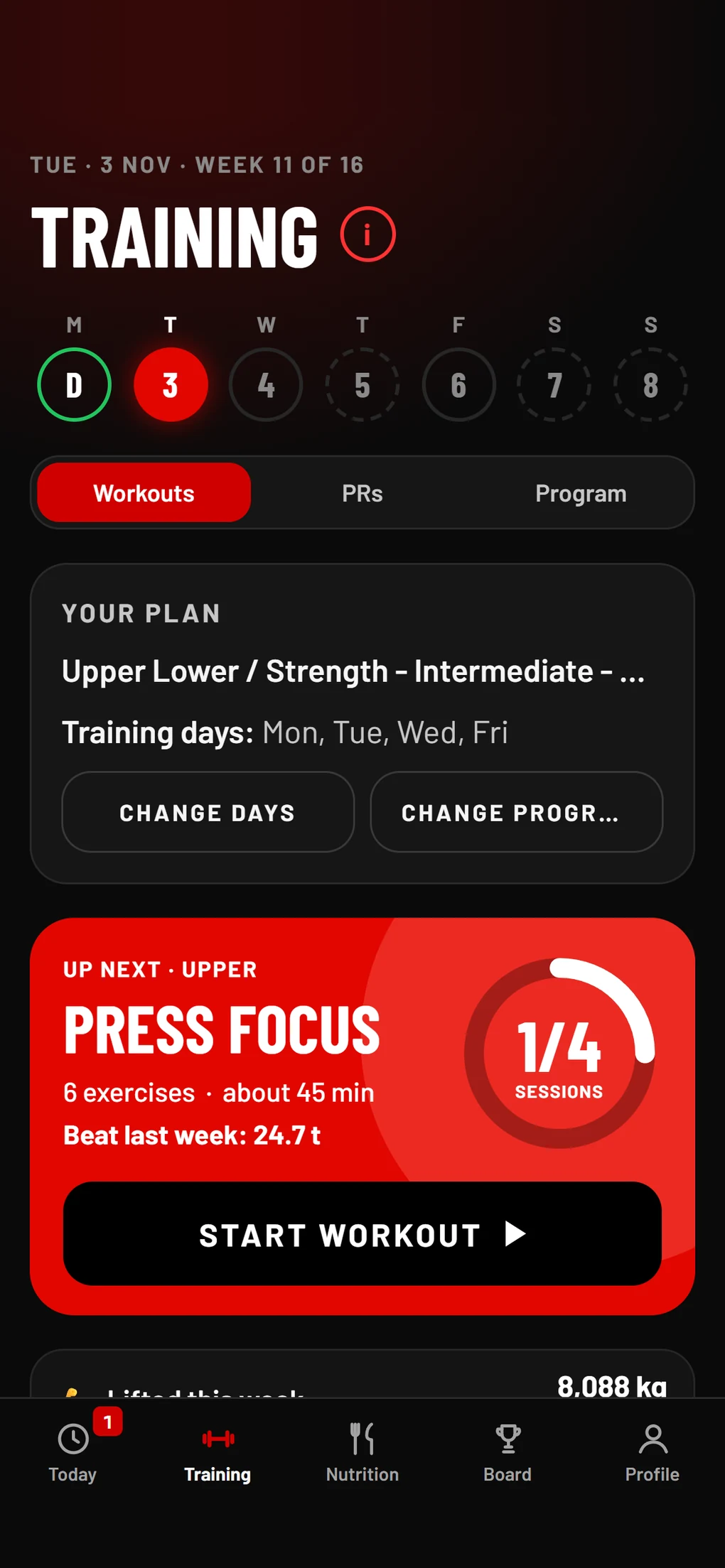
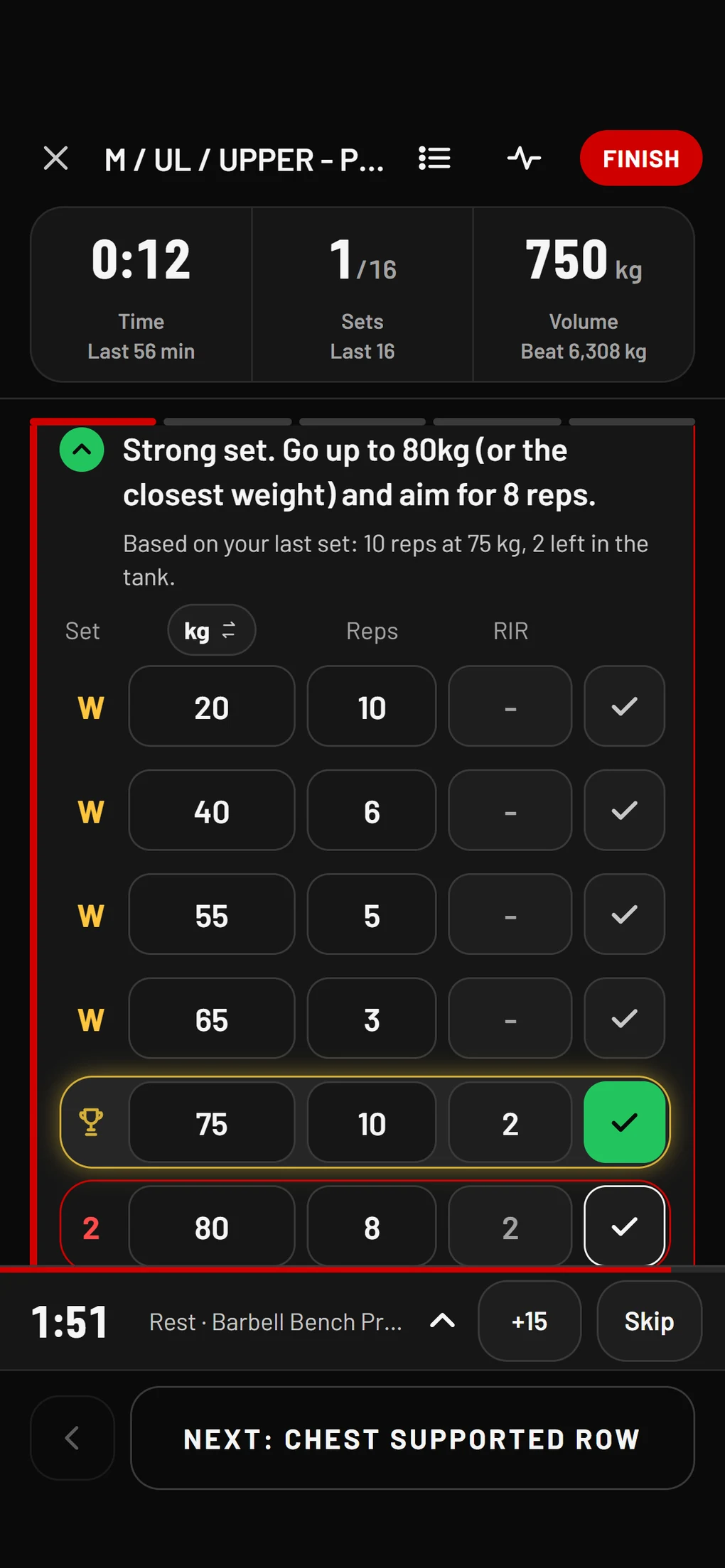
It tells you what to lift next
After every set, the app tells you what to do next. Every exercise shows the weight and reps to aim for, and what you did last time.
It adds reps first. Once every set reaches the top of your rep range, it moves the weight up and you start again at the bottom of the range.
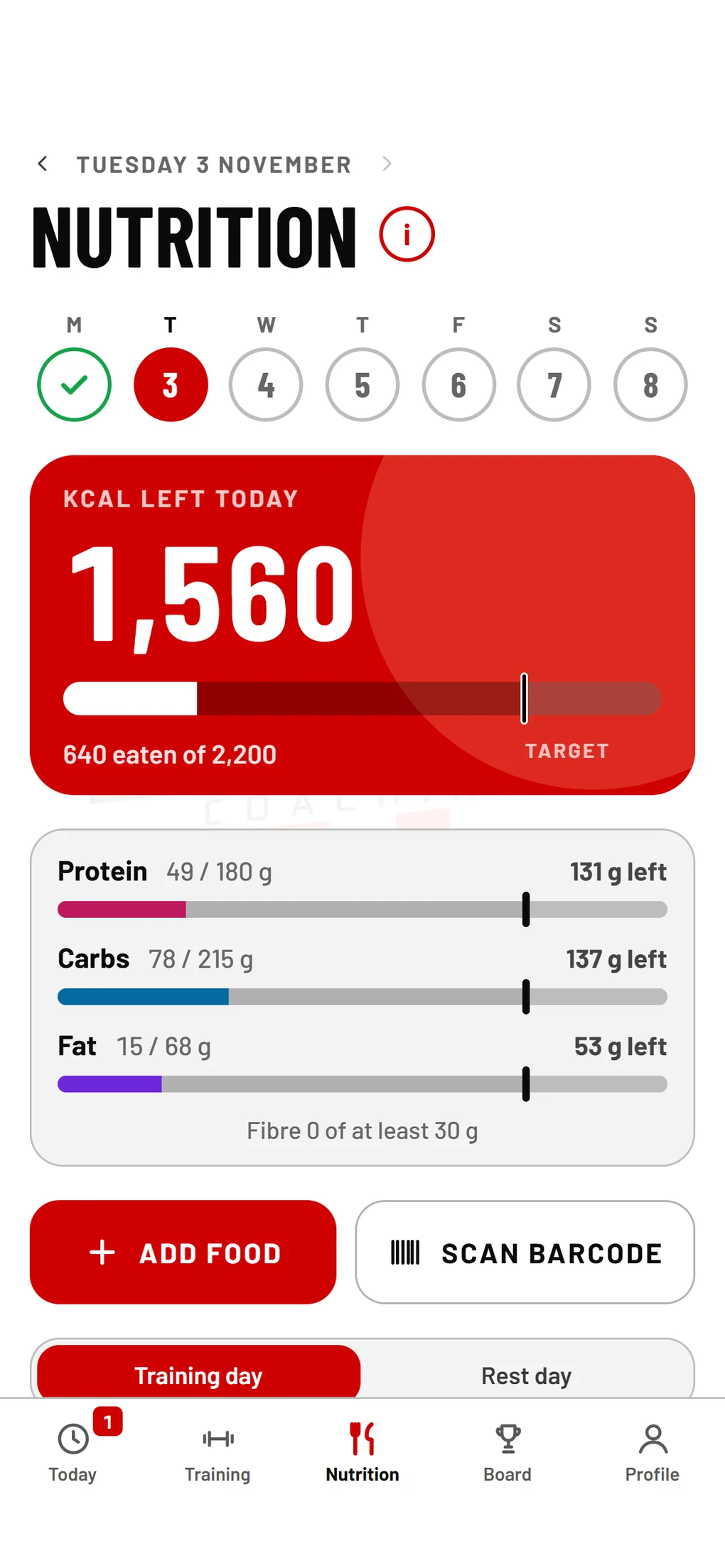
Scan your food, no extra paywall
Search Australian foods, scan a barcode, or take a photo of the nutrition label when a food is not in the list. Both scanners are included in the price.
- Foods you ask us to add are checked by a coach before they go on the food list. Anything not checked yet is marked, so you always know what you are logging.
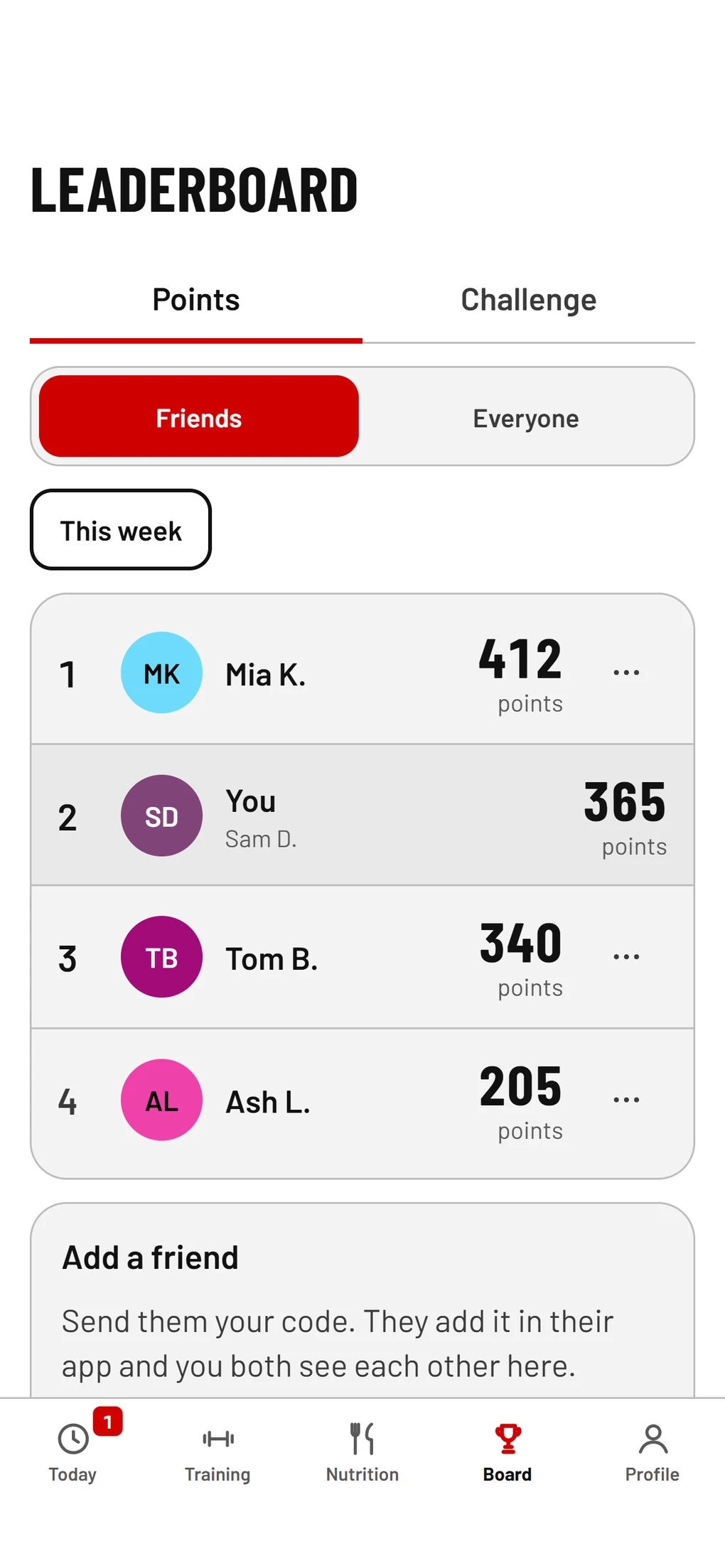
Train with your mates
Add your mates in the app and you both see each other on the leaderboard. You can see what your mates trained, and you earn points for logging your workouts, your food and your habits.
Monthly challenges
Coming soonChallenges keep you accountable and progressing, with a new goal each month. You and your mates race on the same goal.
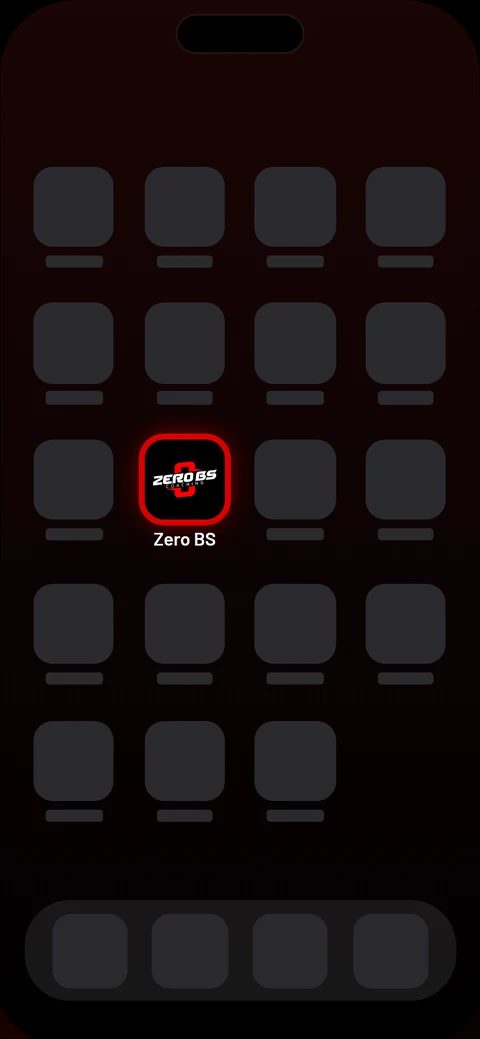
Add it to your home screen
Add it to your home screen and it works like a normal app. There is nothing to download.
Pick your spot
Use the web app now and get first access to the App Store and Play Store versions.
Jump the queue
Check your email
Check your email: we've sent your next step to that address. Check spam too.
Questions? Email braydon@zerobscoaching.com.au.
The app is full
All the places in the app are taken for now. Join the waitlist and you will be first in when a place opens.
Not ready yet? Join the list
You'll be first in when the app lands in the App Store.
You're in
Thanks. Check your email: we've sent you a welcome with an unsubscribe link.